Home Services
Mobile & Tablet Setup
New phone or tablet? We handle the setup, data transfer, and app configuration so you can start using it straight away — without the headaches.
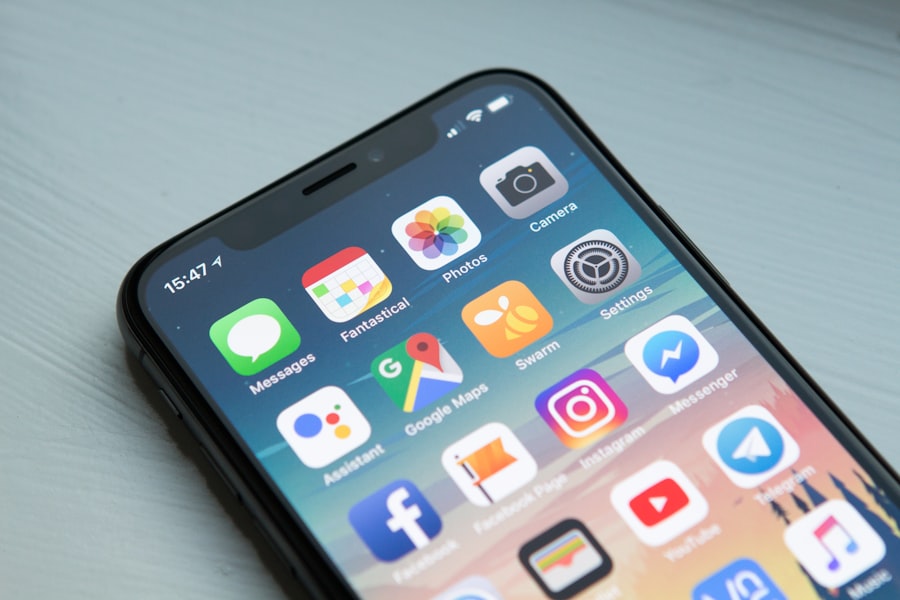
New phone or tablet? We handle the setup, data transfer, and app configuration so you can start using it straight away — without the headaches.
We move your contacts, photos, messages, and apps to your new device.
Email, apps, accessibility settings — everything set up just the way you like it.
We specialise in iPhone and iPad — the full Apple mobile ecosystem.
New iPhones and iPads are powerful, but setting them up properly takes time and know-how. Transferring data, installing apps, configuring email, and making everything work the way you're used to can be overwhelming — especially when upgrading to a new model or setting up a device for an elderly family member.
We set up your new iPhone or iPad from scratch — creating or signing into your Apple ID, configuring Wi-Fi and mobile data, setting up Face ID, and personalising the settings to match your preferences. We make sure iCloud is configured correctly and that your data is syncing the way it should be.
We transfer your contacts, photos and videos, messages (where possible), app data, calendars, and notes from your old device to your new one. Whether you're upgrading from an older iPhone or iPad, we handle the migration carefully so nothing gets left behind.
We install the apps you need and make sure they're properly configured — including email accounts, banking apps, social media, and work-related tools. We can also set up Screen Time and parental controls if the device is for a younger family member.
One of the trickiest parts of moving to a new phone is migrating your two-factor authentication apps. If you use an authenticator app like Google Authenticator, Microsoft Authenticator, or similar, those codes don't automatically transfer — and getting locked out of accounts after a phone switch is surprisingly common. We help you migrate your authenticator apps properly, verify that your key accounts are accessible, and make sure multi-factor authentication is working correctly on the new device before you hand over the old one.
iPhone not connecting to Wi-Fi? Battery draining too fast? Apps crashing or not updating? We diagnose and fix common problems across iOS and iPadOS devices.
Contact us today and we'll have someone with you as soon as possible.